Build a digital product
A new SaaS product, customer-facing tool, or internal platform — designed and shipped end to end.
See InvoiceCraftly →Custom software · Microsoft 365 · Power Platform
Aeleno designs and builds custom products, business systems, and Microsoft 365 automation — from a browser-first SaaS product to the Power App that finally replaces the spreadsheet nobody trusts. We start with the real problem and scope the smallest solution that solves it.
Scope, licensing, price, and delivery expectations are agreed before paid work begins.
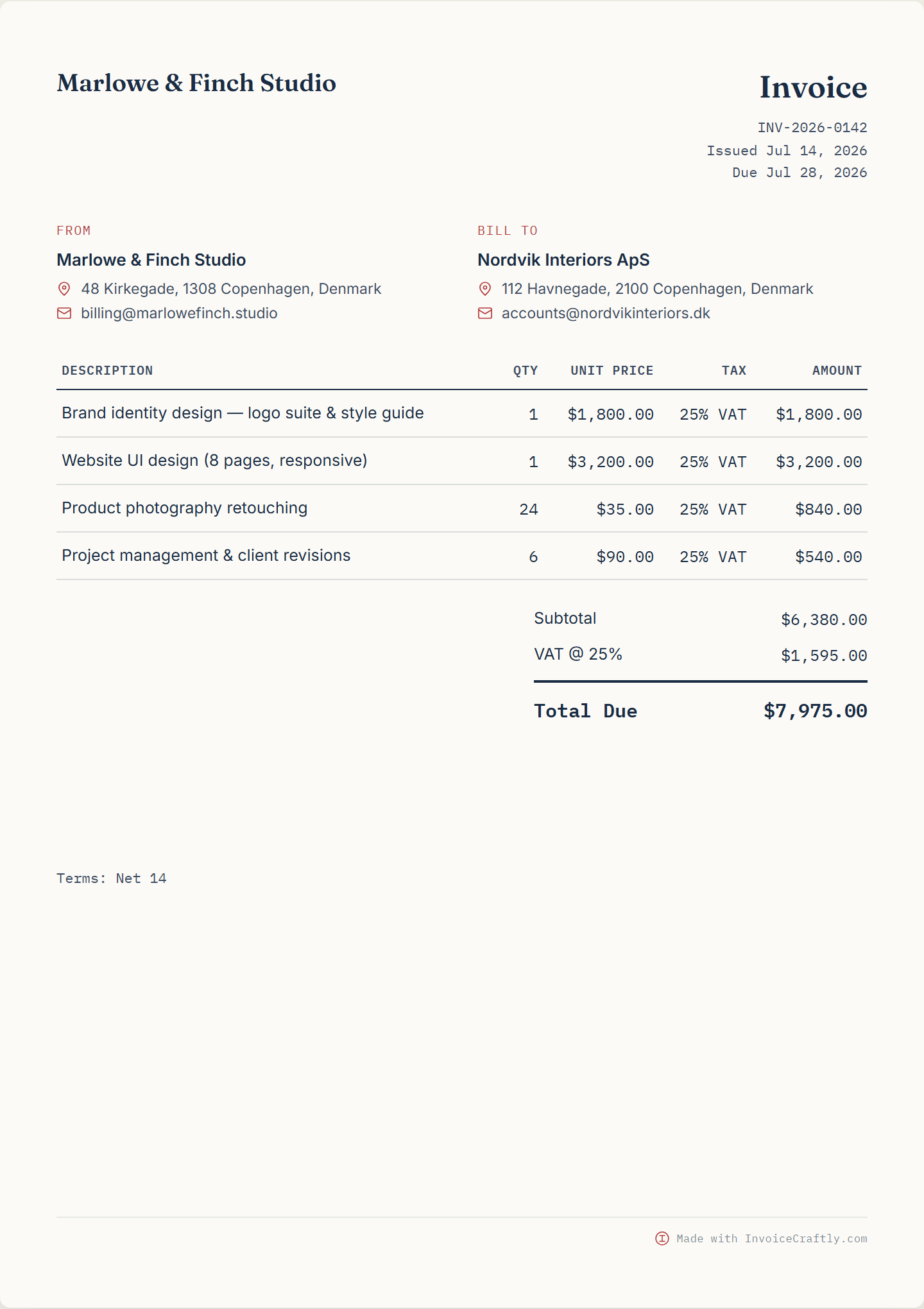
A new SaaS product, customer-facing tool, or internal platform — designed and shipped end to end.
See InvoiceCraftly →Replace a spreadsheet, email chain, or manual workflow with a Power App or automation built around how the work really happens.
See operational cases →Power Apps, Power Automate, and SharePoint used properly — plus rescue work when an existing solution needs fixing.
See Power Platform work →Numbers from operations, not a slide
~40 min/day
saved in packing operations
3–6 min
per quality deviation (was 20–40)
~2 hrs/day
saved after replacing Excel with production scanning
~20 min
per expense approval (was 3–4 hours)
Anonymised operational cases. Named clients are published only with permission.
Two products built and operated end to end. Two operational systems measured in time saved every day.
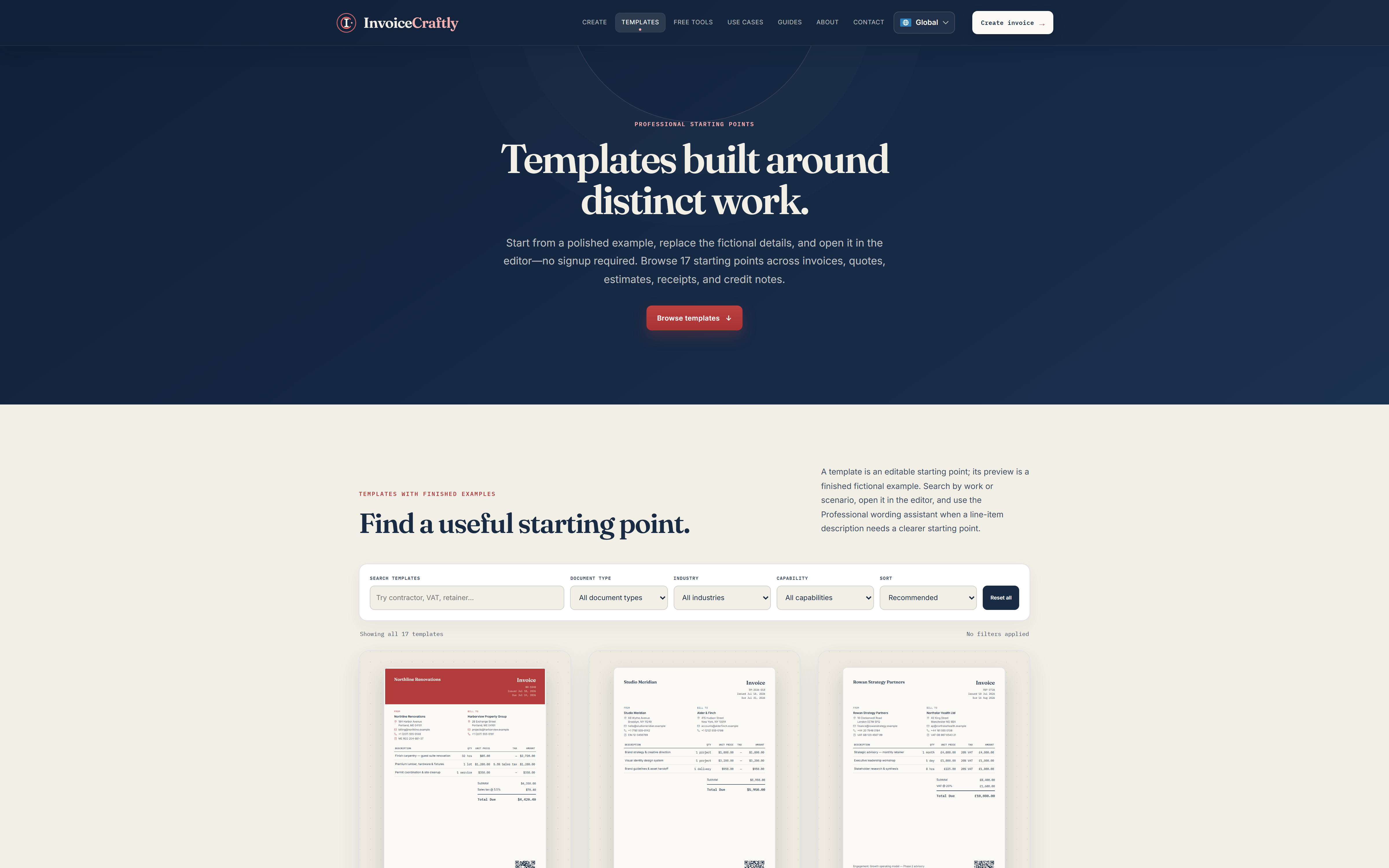
A browser-first invoice, quote, and receipt generator designed, built, and operated by Aeleno on Cloudflare — with a focused editor, templates, local-first retention, and Chrome/Edge browser extensions.
See the work →An AI discovery readiness audit platform built and operated by Aeleno on Cloudflare and Astro, now at Release 0.9, running deterministic checks behind a bounded, SSRF-protected audit endpoint. Audit findings do not guarantee indexing, citations, rankings, recommendations, traffic, or model use.
See the work →Sanitized reconstruction. Colors and layout match the delivered app; data is fictional.
A connected portfolio of Power Apps and workflows supporting planning, inspections, safety, maintenance, quality, HR, and packing operations end to end.
See the work →Product Code A
Product Code B
Description
Box qty
Number of boxes
Product
Quantity
Location
Status
Sanitized reconstruction. Colors and layout match the delivered app; data is fictional.
An Excel-heavy production inventory process moved to real-time product scanning in Power Apps, saving approximately 2 hours per day.
See the work →Sometimes the fastest path is a Power App on top of SharePoint. Sometimes it's a custom-built product with its own database and hosting. The technology decision comes after the process is understood — not before it.
Design, build, and ship a real product — a browser-first SaaS tool, a customer-facing platform, or an internal system with its own data model — from first concept through production release and iteration.
Business systems and internal tools that don't fit a spreadsheet, an email chain, or an off-the-shelf SaaS product, built around the way the process actually runs.
Power Apps, Power Automate, Dataverse, and SharePoint used as a fast, governed way to replace manual Microsoft 365 workflows — built by a specialist working inside the Microsoft ecosystem, not a generalist agency.
An existing app or automation that doesn't work as intended. We review it, decide whether to fix, simplify, or rebuild it, and scope a diagnostic before paid work begins.
Modernise & rescue
We review the existing Power App, say whether to fix, simplify, or rebuild, and define a diagnostic scope before paid work begins.
Walk through the process or product idea. Leave with an honest go/no-go view.
A short, paid engagement to map the process, define the architecture, and produce a written scope before build work begins.
The product or app is built, tested, and handed over with clear ownership, environments, and documentation.
No fixed public price — engagement depends on the process, the platform decision, integrations, and ownership needs. A written scope always comes before paid build work.
You show the process. We say whether it looks like a sensible fit.
We define the smallest useful proof and make assumptions explicit.
A working solution is validated against the actual process and users.
Ownership, environments, dependencies, and documentation are made clear.
Aeleno is run by Abaid Ur Rehman as a specialist practice: the person who scopes the work is the same person who builds and delivers it. That means fewer handoffs, direct accountability, and decisions made by someone who has actually built the products and systems being discussed, including InvoiceCraftly, not a generic account team.
That is fine. Aeleno can focus on one workflow while ERP, identity, and tenant responsibilities stay with the existing partner.
That can be enough for some processes. When approvals, photos, exceptions, or multiple operational users appear, a more structured app may become useful.
Not always. SharePoint lists can be enough for some solutions. Dataverse is considered when permissions, relationships, governance, or ALM make it the better fit.
You get an initial go/no-go view and the questions that need answering before scope, price, and delivery expectations can be agreed.
Thirty minutes. You share the screen. We say whether a proof is worth exploring.